
Discover how your agents failed you.
vibesenpai reads the sessions already on your disk and shows you where they went wrong: the exact turns, in your own words, and a fix you can apply.
/plugin marketplace add vibesenpai/vibesenpai
/plugin install vibesenpai@vibesenpai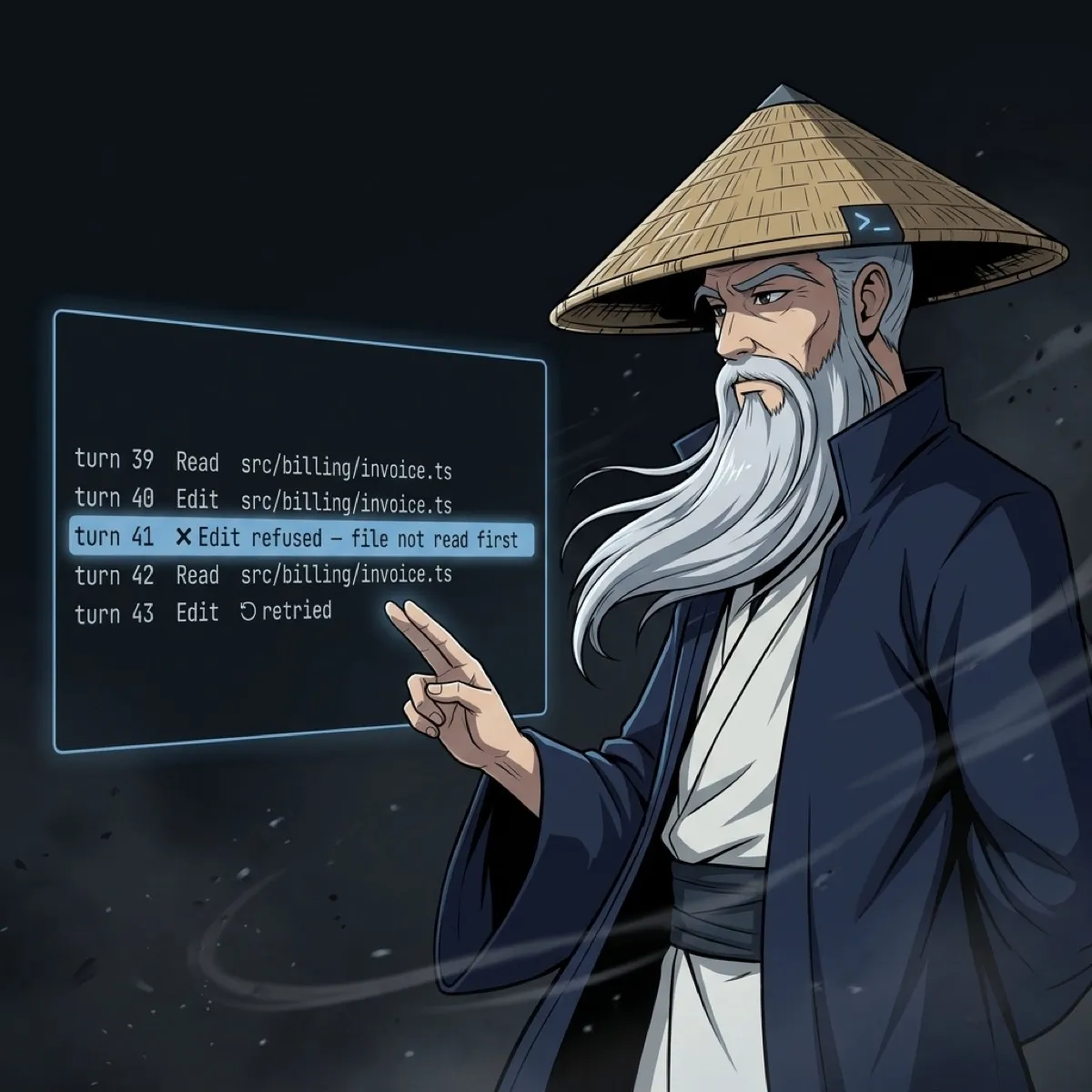
A real session from the public test data of claude-code-log (MIT)
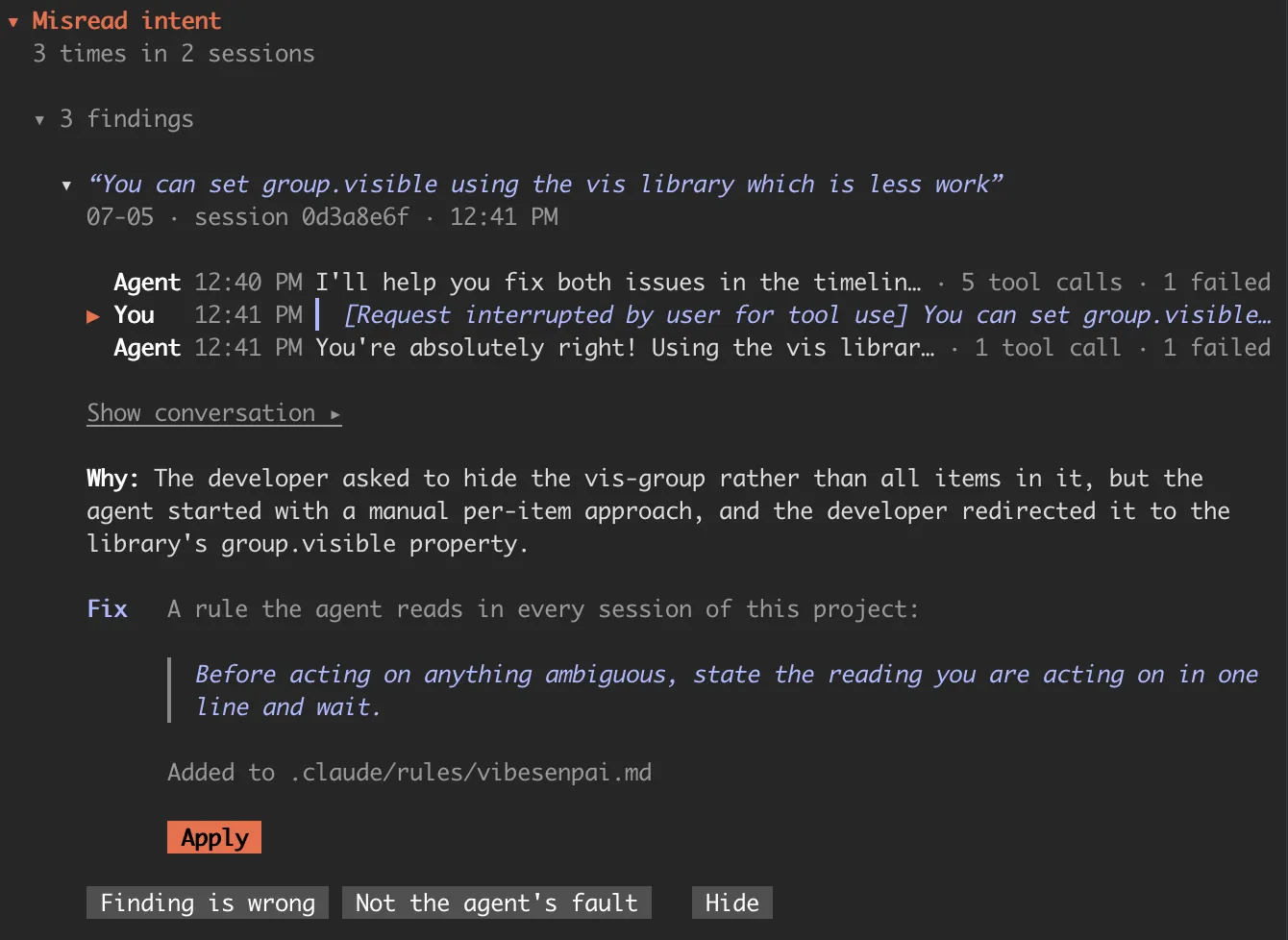
“…hide the group instead of all items that belong to a group.”
“You can set group.visible using the vis library which is less work.”
vibesenpai flagged it as misread intent, with the turn cited and the request it came from.
The turn, not a score
Each finding opens on your own words and the turns where it went wrong, read from the transcript where it already is.
A fix you apply
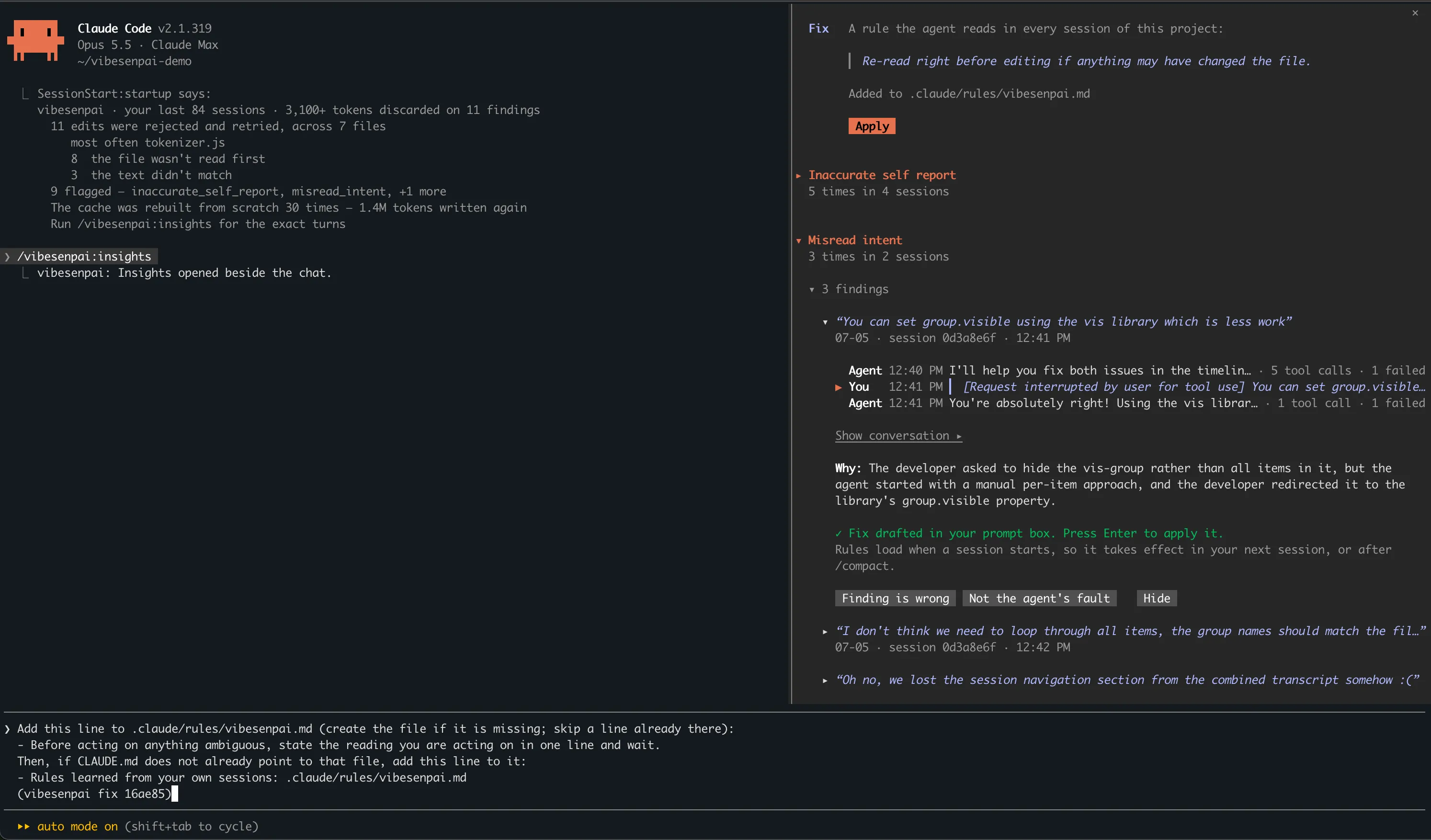
A finding comes with a change for your agent: a rule, a permission prompt, a guard or a test. Apply drafts it into your prompt box, and your Enter is the yes.
Know if it worked
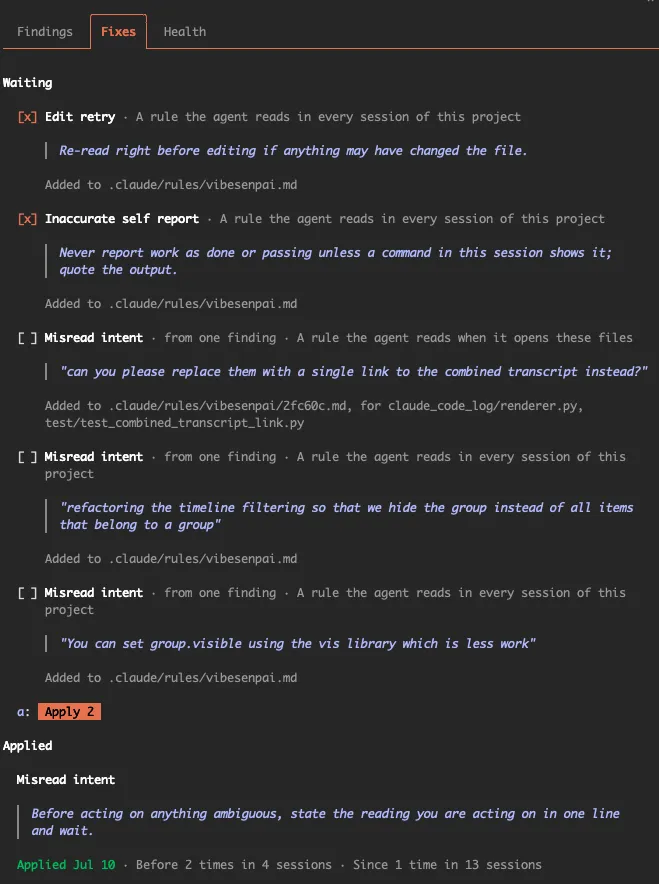
Once a fix is applied, the pane counts how often the same thing happened before it and since. Counts, never rates.
Runs while you work
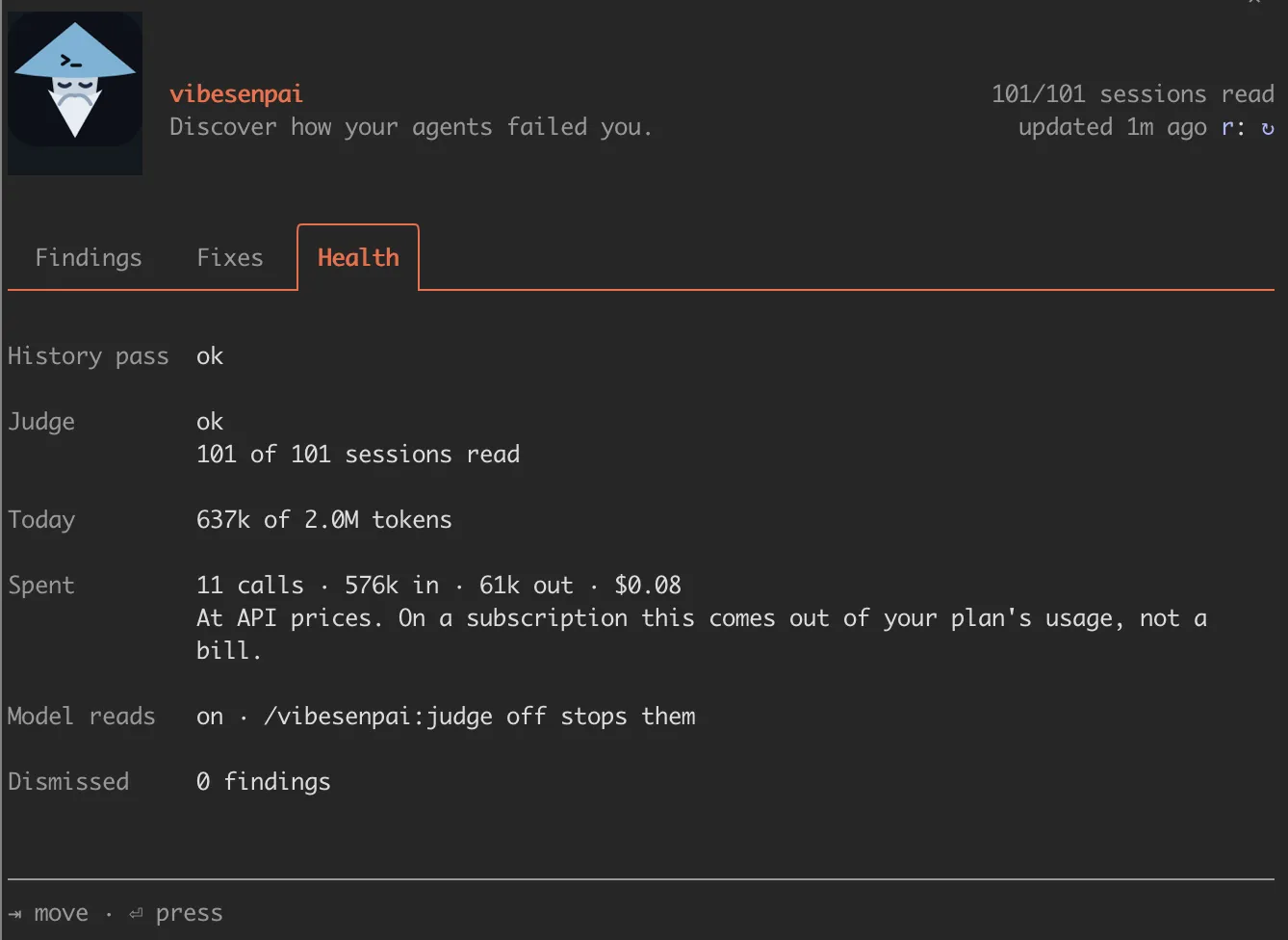
The free checks read every session. Model reads run in the background after a turn ends, within about 2M tokens a day, and stop with one command.
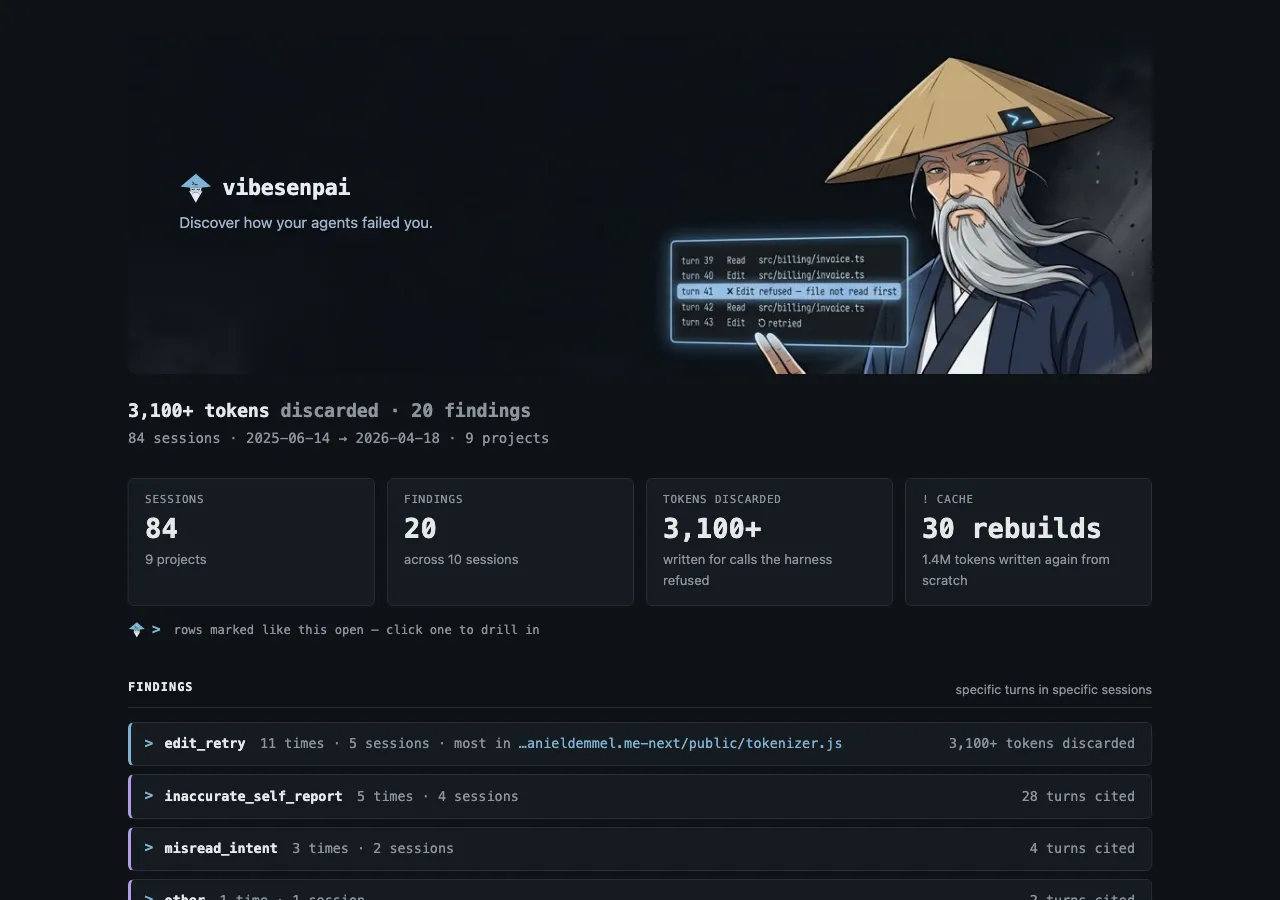
Your history in one page
/vibesenpai:report writes one self-contained HTML file: every finding, the turns behind it, and its fix. It opens offline.
What it looks for
Each kind has its own page: an example conversation, how it is detected, and the fixes it can offer.
Model reads
- Constraint violation
- An instruction you stated was not followed.
- Misread intent
- An ambiguous request filled the wrong way.
- Inaccurate self report
- Work or success claimed that did not happen.
- Overreach
- Work nobody asked for, that you pushed back on.
- Other
- A real problem outside the four, named in a few words.
The free checks
- Edit retry
- An edit the harness refused, then retried.
- Repeated call
- The same call and the same answer, with nothing changed between.
- Cache rebuilds
- The prompt cache thrown away and written again.
What leaves your machine
Reads your sessions in place. Transcripts are never copied. What it keeps is redacted when it is written.
Sends only redacted text, on your account. Model reads go to Claude Haiku on your own Claude Code account (plan or API key). The send stops if anything redaction should have removed is still there.
Never writes your files. A fix is a request in your prompt box. The agent makes the change, under Claude Code’s permission prompt.
Stops with one command. /vibesenpai:judge off stops the model reads. /plugin disable vibesenpai stops everything.
Common questions
Does it send my code anywhere?
It never opens your repository, but a session’s text includes what the agent’s tools returned, such as files it read and command output. With model reads on, which is the default, a redacted and length-capped copy of that text goes to Claude Haiku on your own Claude Code account (plan or API key). It cannot judge code the agent never looked at. With model reads off, nothing leaves your machine.
What does it cost?
The free checks cost nothing. Model reads use about 60,000 tokens a session on your own Claude Code account (plan or API key), within about 2 million tokens a day.
Which agents does it read?
Claude Code only.
How do I turn it off?
/vibesenpai:judge off stops the model reads and keeps the free checks. /plugin disable vibesenpai turns everything off.
See where your last session went wrong.
/plugin marketplace add vibesenpai/vibesenpai
/plugin install vibesenpai@vibesenpai